COLOUR & COMPOSITION · ECOMMERCE PRODUCTION

Create controlled product variants from one approved master.

Create controlled product colour variants from one approved master and reusable colour library. Your automatically detected local rate, final scope and deadline remain visible before production.

Start with this service Calculate annual cost
Flex from
/image
Studio rate
/image
Standard lead time
1.5 dayshuman QC included
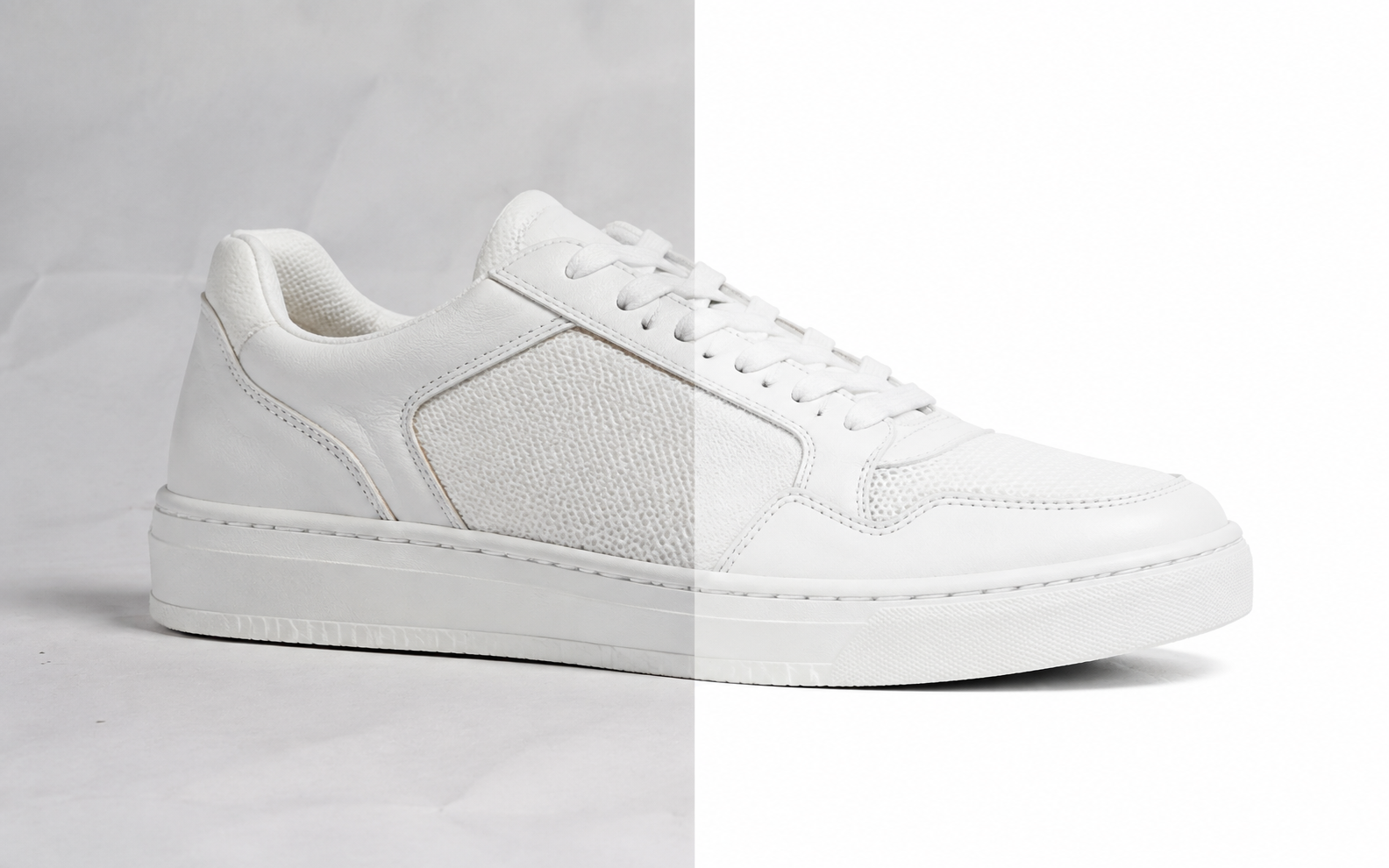
Colour changing & colourways professional editing example
RUPATO OUTPUT STANDARDCreate controlled product colour variants from one approved master and reusable colour library.
WHAT YOU RECEIVE

Production-ready files, not a generic filter.

Turn one well-retouched image into a governed colour range using RGB, HEX, Pantone or a saved swatch library. Filename or metadata rules can identify each output and keep variants connected to the source SKU.

  • RGB or HEX target
  • Pantone target
  • Swatch library
  • Metadata-driven variants
  • Organised production files
  • Independent human quality control
CONTROLLED WORKFLOW

From source files to approved delivery.

Every instruction, handoff and output remains visible to the authorised customer team.

01

Upload

Send source files, folders or secure cloud links.

02

Specify

Choose the finish and attach the approved product or style reference.

03

Produce

A category-trained editor applies the saved specification.

04

Approve

Independent QC checks the brief before organised delivery.

COMMON QUESTIONS

Colour changing & colourways, clearly explained.

01What does colour changing & colourways cost?

The page shows your automatically detected local Flex rate. Studio and Scale reduce the unit rate, and the order shows its calculated total before production.

02How long does production take?

Standard production starts from 1.5 days. Priority and express deadlines appear in the order builder when the source and scope support them.

03Can my team reuse the same instructions?

Yes. Save the approved settings as an editing profile or job flow, then assign future uploads and approvals to the correct department members.

READY FOR A CLEANER CATALOGUE?

Upload one image or an entire shoot.

Your plan rate and exact estimate appear before production begins.

Create a colour changing & colourways order