BRIEFING · 8 MIN

How to write a retouching brief that an entire team can reuse

A useful brief turns visual preferences into observable decisions. It defines the intended result, identifies exceptions and includes references that remain attached to every batch using that specification.
Put this workflow into practice Read support guidance
How to write a retouching brief that an entire team can reuse
Specialist production · Independent quality control
Published15 July 2026
Reading time8 min
Written byRupato Production Team
Editorial policyNo fabricated claims
01

Describe the decision, not the emotion

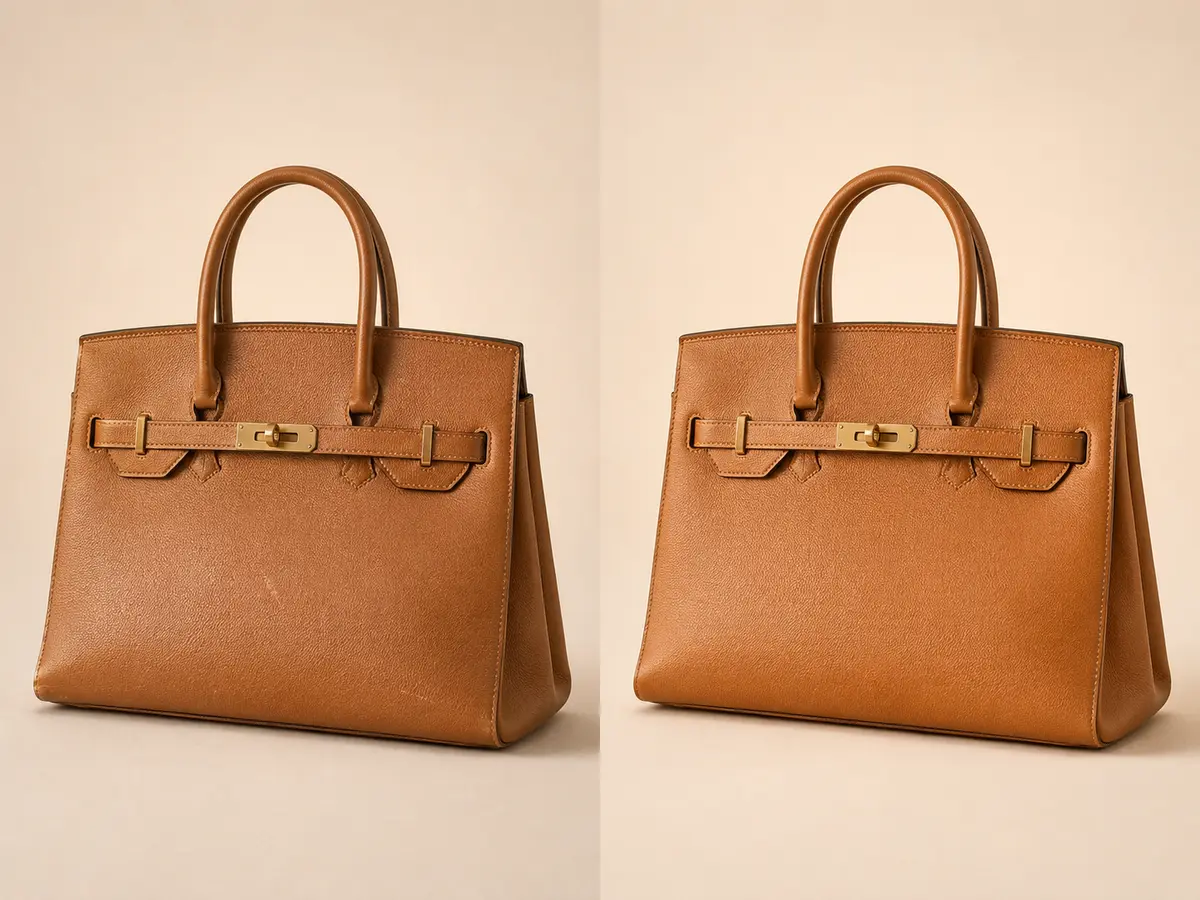
Replace vague words such as premium or cleaner with choices about dust, scratches, wrinkles, reflections, symmetry, texture, crop and shadow. State what must not change.

02

Use references with annotations

An approved example plus marked problem areas reduces interpretation. Record why the reference is correct so a future operator does not copy an accidental detail.

03

Separate defaults from exceptions

The saved specification owns the normal rule. Product-level exceptions should override one field without duplicating the complete brief or silently changing every other product.

PRACTICAL ANSWERS

Questions teams ask before production.

01How long should a brief be?

Long enough to resolve real decisions; a structured one-page specification is often clearer than a long paragraph.

02Can one brief cover every category?

Use a shared brand system with category-specific profiles where materials and shapes differ.

03When should it change?

Create a new version when the approved result changes, preserving the prior version for traceability.

ONE ORDER OR A COMPLETE CATALOGUE

Make the brief clear before the first file moves.

Rupato keeps uploads, specifications, tasks, review and delivery attached to the same production record.

Start an order