Transparent PNG, WebP, JPG or TIFF: choosing product-image outputs
Format is a delivery decision, not a quality label. Choose it from transparency, editing, colour, browser support, file weight and the next system in the workflow.
Format is a delivery decision, not a quality label. Choose it from transparency, editing, colour, browser support, file weight and the next system in the workflow.
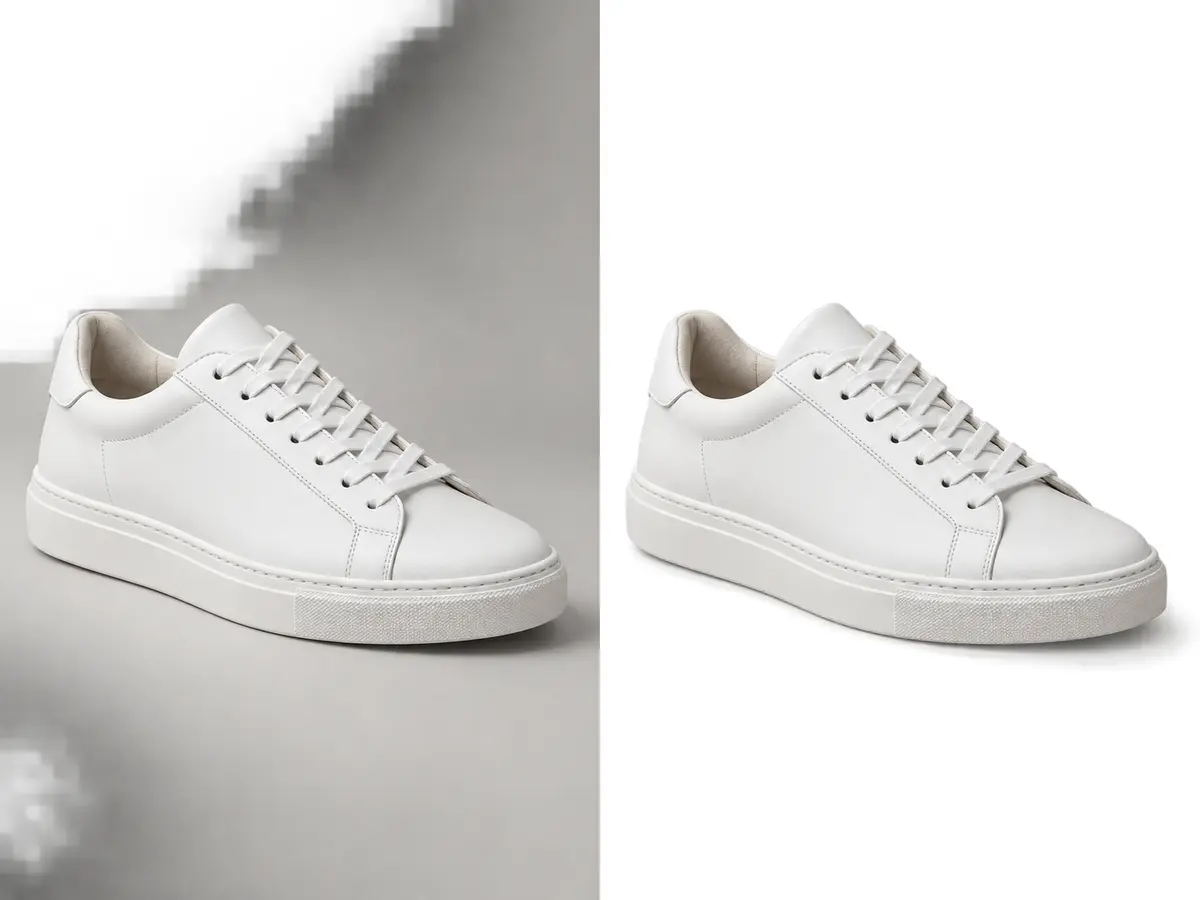
PNG is a dependable choice for lossless transparent product assets, though files can be heavier than web-oriented alternatives. Confirm that the downstream platform preserves alpha.
JPG offers broad compatibility and controllable compression. It is appropriate for final photographic outputs on a solid background, not for preserving masks or repeated editing.
Layered TIFF or PSD may be useful for controlled master storage. Generate channel-specific JPG, PNG or WebP derivatives from that approved source rather than treating compressed outputs as the only master.
Often, but the actual benefit depends on content and settings; test visual quality and destination support.
No. Use an alpha-capable format when transparent pixels are required.
It can preserve layers, masks and future editing flexibility for governed masters.
Rupato keeps uploads, specifications, tasks, review and delivery attached to the same production record.
Start an order ↗