Colour consistency across shoots, suppliers and screens
A decision framework for references, colour spaces, variants and credible ecommerce colour.
A decision framework for references, colour spaces, variants and credible ecommerce colour.
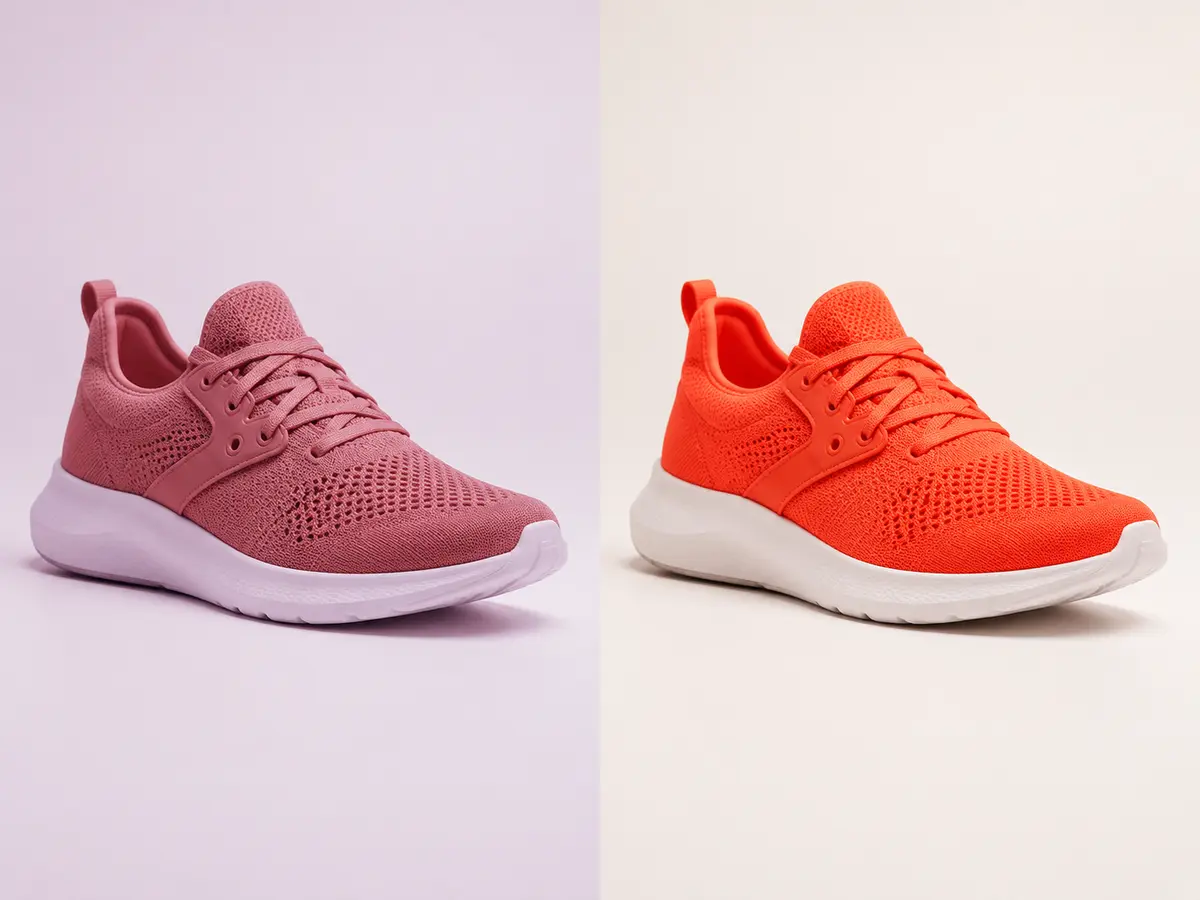
Decide whether the signed-off reference is a calibrated photograph, physical sample, swatch value or existing master. A product name is not a colour target.
Record lighting, camera profile, exposure and white balance when possible. Correction is more reliable when source variation is understood rather than hidden.
Gloss, pile, grain and translucency affect perceived colour. A flat numerical match can look wrong if material highlights and shadows are ignored.
sRGB is common for ecommerce, while archival and print workflows may need different masters. Review on controlled displays while recognising customer screens vary.
No. Controlled references and colour management improve consistency, but consumer displays and environments vary.
Only when material and construction remain comparable and each variant has a reliable reference.
Prefer a higher-quality master when future print or new channel outputs are likely.
Rupato keeps uploads, specifications, tasks, review and delivery attached to the same production record.
Start an order ↗