PHOTOGRAPHY STUDIOS · PRODUCTION PLAYBOOK

Photography studios imagery that stays consistent at catalogue scale.

Photography studios teams manage continuous shoot schedules, multiple clients and client-specific production standards. This playbook covers capture inputs, editing decisions, department handoffs and the quality controls needed to protect fast handoff without losing each client’s art direction.
Start a production order Read support guidance
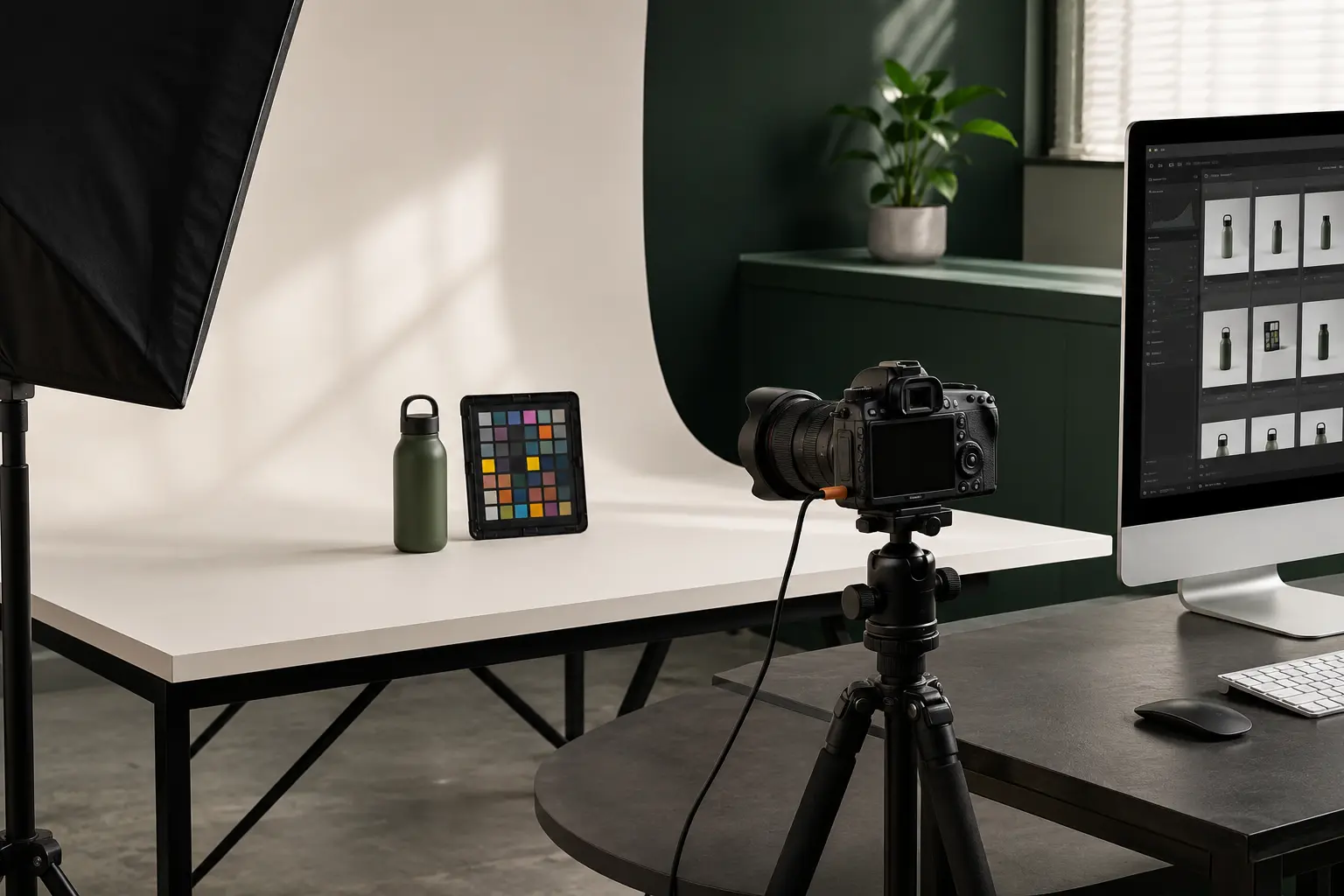
Illustrative photography studios ecommerce product photography
Specialist production · Independent quality control
Modelled volume1,500 images per studio week
Sourcetethered capture, hot folders, contact sheets and mixed campaign outputs
Main channelclient storefronts, campaign teams and DAM systems
QC focusspecification version, deadline, naming, annotations and client approval
01

A production brief your team can reuse

Apply Client A profile v4 only. Deliver approved selects continuously by product family. Pause files tagged HOLD. The studio producer reviews exceptions; brand approval releases final delivery. Common jobs include hot-folder intake, client-specific profiles, continuous delivery, markup and revisions, department handoffs, dam-ready naming. The approved decisions become a versioned specification rather than disappearing into email.

02

Separate capture speed from decision speed

Fast transfer matters, but unclear ownership causes larger delays. The studio flow identifies who can upload, who resolves a source problem, who approves the retouch reference and who releases delivery.

03

Version client standards

A profile should record its owner, approval date and superseded version. New instructions apply prospectively unless the client explicitly asks for reprocessing.

04

Deliver continuously with clear gates

Completed product families can move through QC and approval without waiting for the entire shoot, while holds and exceptions remain visible rather than blocking unseen in a folder.

05

Move the full range without losing product identity

Device, folder and secure-link uploads keep source names attached to the order. Department roles separate preparation, product questions, review and billing. Approved masters can then become controlled outputs for client storefronts, campaign teams and DAM systems, while exceptions remain visible instead of blocking the entire range.

PRACTICAL ANSWERS

Questions teams ask before production.

01Can separate clients share one studio workspace?

Yes, with scoped departments, profiles and roles so each job retains the correct instructions.

02Can files arrive while the shoot continues?

Yes. Multipart and folder transfer supports ongoing batches, while product families can enter production independently.

03How are urgent selects handled?

Use a priority task or order lane with a named approver rather than changing the whole shoot deadline.

ONE ORDER OR A COMPLETE CATALOGUE

Make the brief clear before the first file moves.

Rupato keeps uploads, specifications, tasks, review and delivery attached to the same production record.

Start an order